If your delivery or push-up counts look low, do this first. It takes about a minute and it improves the whole batch at once, rather than one event at a time.
Where to find it

At the bottom of the Vehicle Activity Events card on your report:
🚚 Counts look off? Tag your feed truck to improve them. Optional — everything works without it.
Click Improve results. (No thanks hides the prompt.)
What you will see
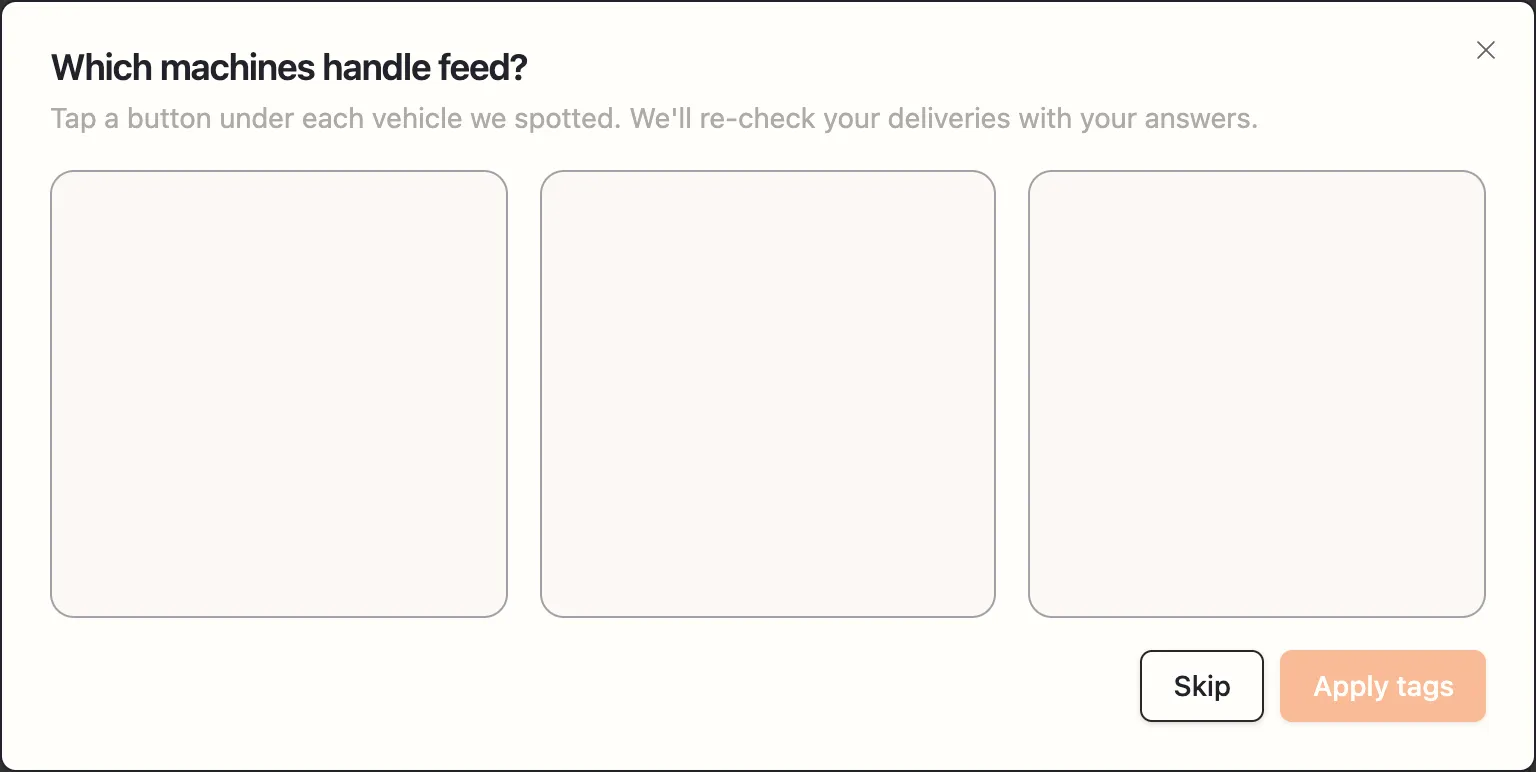
A window headed:
Which machines handle feed? Tap a button under each vehicle we spotted. We’ll re-check your deliveries with your answers.
You get a grid of cropped photos — actual machines pulled out of your own footage. Under each one, three buttons:
- Feed delivery — this machine brings feed. Your mixer, your TMR truck.
- Push-up — this machine pushes feed back within reach. Your skid steer, your robot, the tractor with the blade.
- Not a feed vehicle — everything else. The milk truck, the vet’s pickup, the loader on its way somewhere.
Tap a button to set it; tap it again to clear it. You do not have to answer for every vehicle — tag the ones you recognise.
The checkbox
I don’t see one of my feed vehicles here No problem — tag what you can and we’ll keep an eye out for the rest in future photos.
Tick it if a machine you use regularly is missing from the grid. It usually means that machine did not appear clearly in this batch, and telling us is still useful for future runs.
Then click Apply tags
The strip changes to:
✔ Thanks — tags applied. We’re re-checking your deliveries with them now; this report refreshes itself in a few minutes if anything changes.
That is literal — the report re-checks itself and updates on its own. You do not need to do anything else, and you can leave the page.
If you only ticked the “don’t see one” box, you get Thanks — noted. We’ll keep an eye out for your feed vehicles in future photos.
Why this works so well
Without your input, the system has to judge from the picture alone whether a machine moving down the alley is delivering feed, pushing it up, or just passing through. On most farms several machines look broadly similar at trail-camera distance and resolution.
You know which is which instantly. One minute of your knowledge applies to every event in the batch — and it is exactly the correction that moves the numbers most.
If nothing is there to tag
We didn’t spot any vehicles in your photos That’s okay — it usually means your photos were taken between feedings. Nothing to tag here.
If your report also shows no deliveries at all, that is a different problem — see What’s on your report.
Do I have to do it every time?
No. Tag once and it applies to that report. If a later report looks off, check whether a new machine has appeared in your operation.