What we send
The emails that matter are about your work:
- Your upload has been received and is processing.
- Your report is ready — with a View Report button that takes you straight to it, and the farm and barn named so you know which one.
You also get the usual account mail: email verification when you register, and password reset links when you ask for them.
We do not send marketing email to your account address.
Adding other recipients
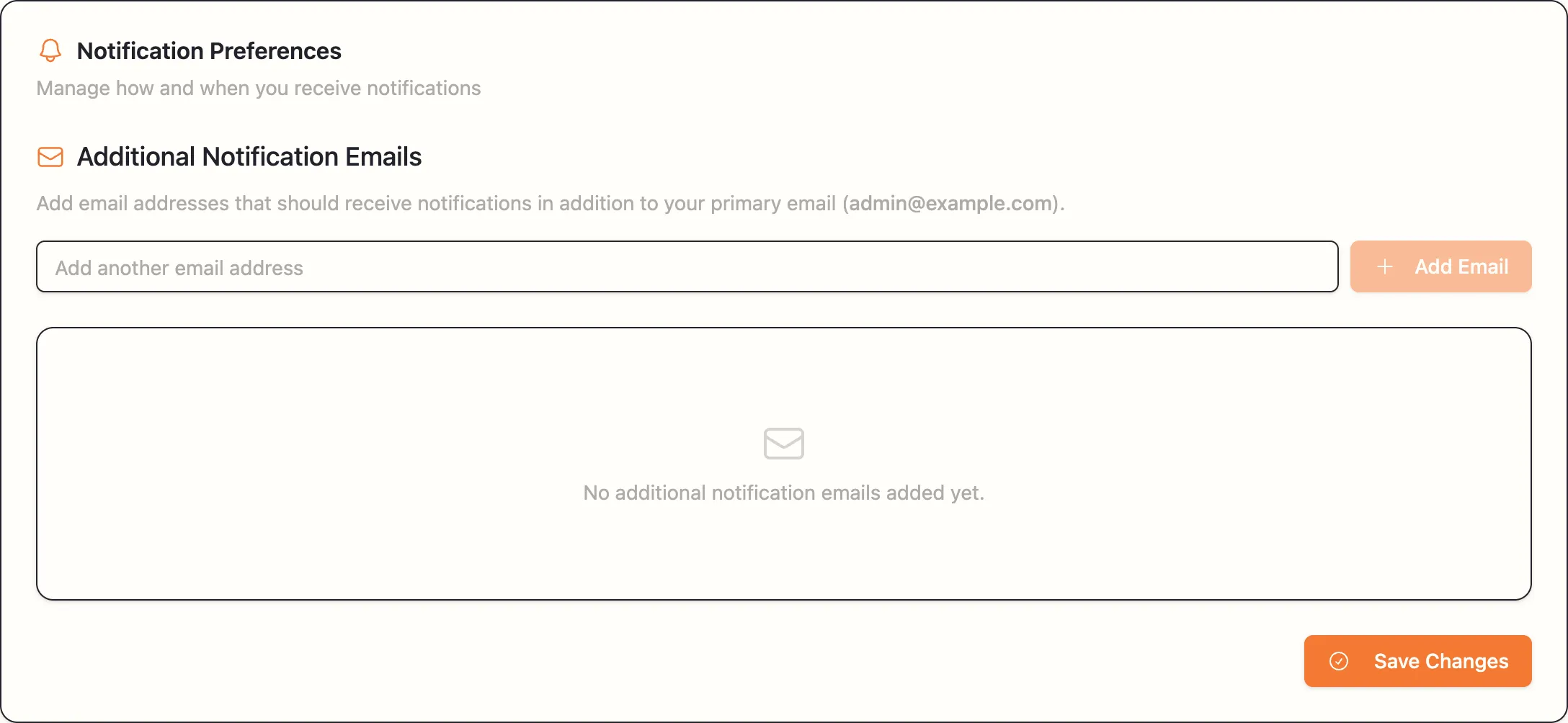
Settings → Notifications → Additional Notification Emails
Add email addresses that should receive notifications in addition to your primary email.
Type an address, click Add Email, then Save Changes — Notification emails updated successfully! Remove one with the 🗑 beside it.
Everyone on this list gets the same report-ready emails you do, with the same direct link.
This is the tidiest way to keep other people in the loop:
- Your nutritionist, who wants each new report without asking for it.
- Your herd manager or feeder, who is the person who would act on a long empty stretch.
- A second address of your own, if farm email is not where you actually read things.
What you cannot switch off
There are no on/off toggles — you cannot turn off report-ready emails while keeping upload ones, or vice versa. The list only controls who else receives them alongside you.
If the volume is a problem, an email rule that files them into a folder is the practical answer.
If emails are not arriving
- Check spam. Report emails contain links and buttons and are sometimes filtered.
- Check the address. Settings → Profile shows your primary email. A typo at registration is the most common cause, and it cannot be edited yourself — email [email protected] and we will correct it.
- Check with whoever runs your mail. Farm mail servers occasionally block automated mail. Add our sending domain to the allowed list.
- You are not blocked from your reports either way. Everything is on your Projects page whether the email arrived or not.
Removing someone
Delete their address with the 🗑 and click Save Changes. They stop receiving new reports immediately, though emails already sent are already in their inbox.